Secure Connections (Mutual TLS)
Flywheel-hosted DICOM Push authenticates every DICOM device with mutual TLS (mTLS) and a per-device authorization model. This page explains how that authentication works, so administrators understand what they are configuring and why connections are accepted or rejected.
Applies to Flywheel-hosted DICOM Push
This model applies to DICOM Push, the Flywheel-hosted DICOM receiver introduced in Flywheel 22.2, which receives DICOM over the public internet. For the requirements your devices must meet, see DICOM Push Connectivity Requirements.
Trust is configured per device, not per CA
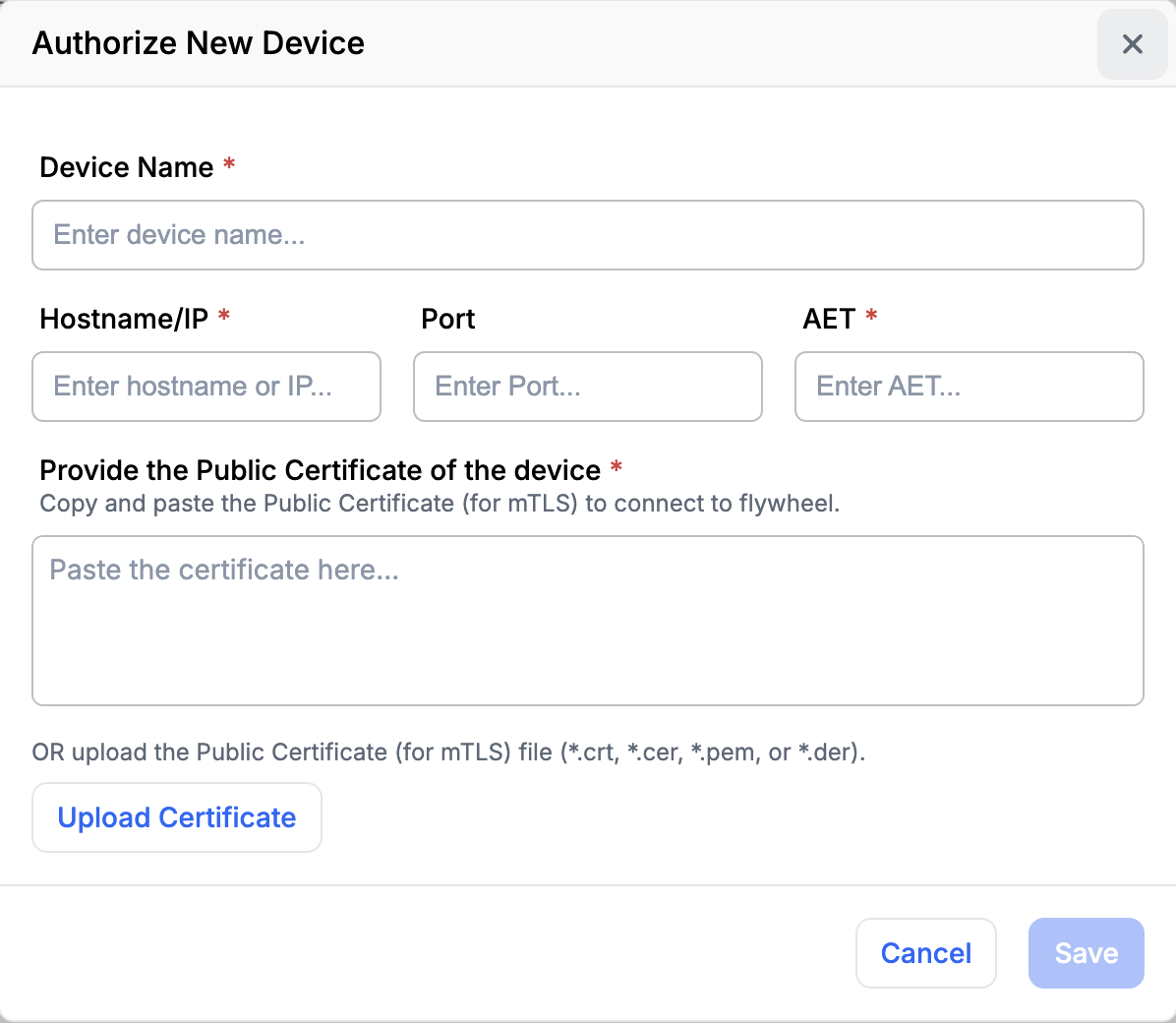
Administrators maintain a list of authorized devices on the Interfaces → Connector → Manage Connections page. Each authorized device is registered with three things:
- its hostname or IP,
- its Application Entity Title (AET), and
- its public certificate.
The matching private key stays on the device (or its appliance) and is never shared with Flywheel. You register these values on the Interfaces → Connector → Manage Connections page; see Manage Connections for the step-by-step procedure.
Authorization happens at two layers
Because a DICOM push combines a secure transport connection with a DICOM association, authorization is enforced in two stages.
Transport layer (mutual TLS)
When a device opens a connection, the device and the connector perform a mutual TLS handshake:
- The connector presents its own server certificate, so the device can confirm it is really talking to Flywheel.
- The device presents its client certificate and proves it holds the corresponding private key (by signing part of the handshake with it).
- The connector authenticates the device by matching the presented certificate to an authorized device, and confirming the source hostname or IP matches that same entry.
The AET is not involved at this layer.
DICOM layer (DIMSE association)
Once the encrypted connection is established, the device opens a DICOM association to push data (for example, a C-STORE request):
- Anonymous DIMSE is not supported, so a Calling AET is required.
- The connector checks that the Calling AET matches the AET registered for the device that was authenticated during the handshake.
A missing, anonymous, or mismatched AET is rejected.
Why one device cannot impersonate another
Each authorized device is anchored to a specific certificate. The connector resolves the device by the certificate presented during the handshake — not by the AET, which the sender supplies. The AET is then validated against that already-authenticated device.
As a result, one authorized device cannot present another device's identity, even if both certificates were issued by the same certificate authority, and even though the AET itself is supplied by the sender.
Identity versus encryption
The certificates are used to establish identity, not to encrypt the data directly. Once the handshake succeeds, all DICOM traffic flows over the encrypted TLS channel using a session key negotiated during the handshake.
Private certificate authorities
A configured CA does not trust every certificate it issues
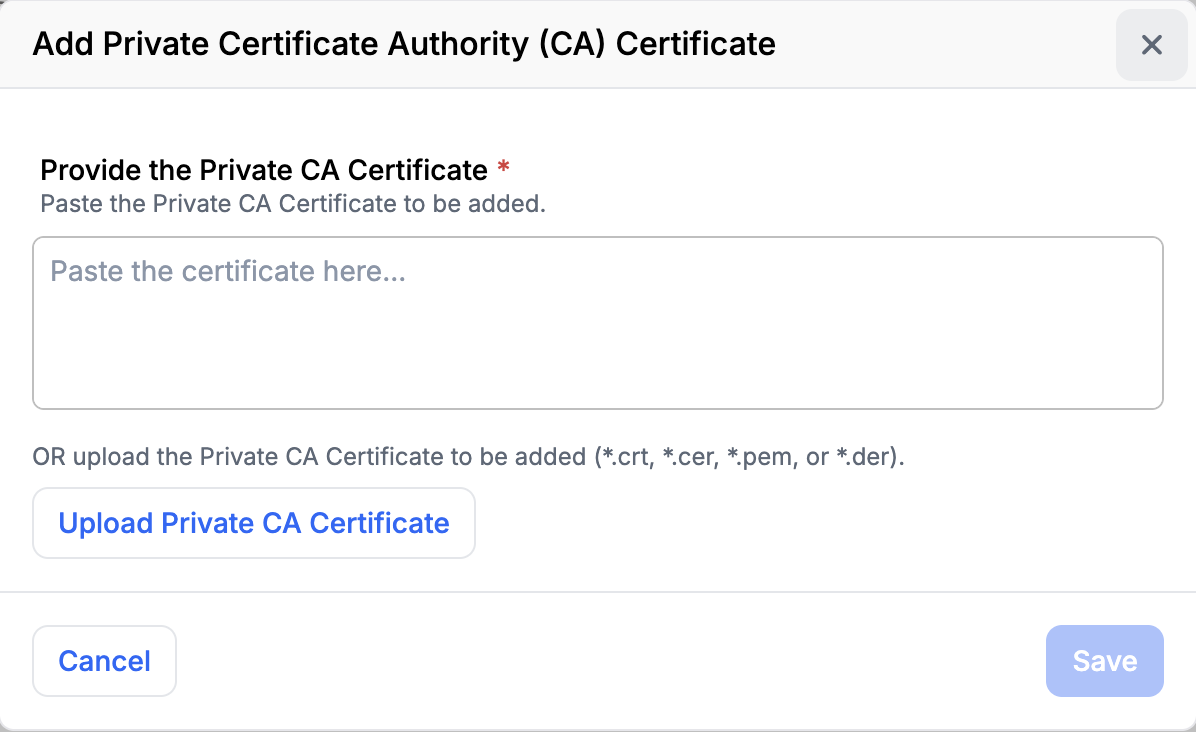
You can optionally configure a private certificate authority (CA) bundle so that privately-issued certificates can be validated — for example, confirming the certificate chain and expiry. This is in addition to the per-device certificate match, not a substitute for it. Configuring a CA does not authorize every certificate that CA issues; each device is still authorized by its own registered certificate.
Related pages
- Manage Connections — authorize devices, share the connector's certificate, and monitor activity.
- DICOM Push Connectivity Requirements — what your devices or appliances must support.
- DICOM Connector — overview of the modern connector and DICOM Push.