Find your Flywheel Version
Introduction
This document provides instructions on how to find your Flywheel software version.
Instruction Steps
Finding Your Version
- Sign in to Flywheel.
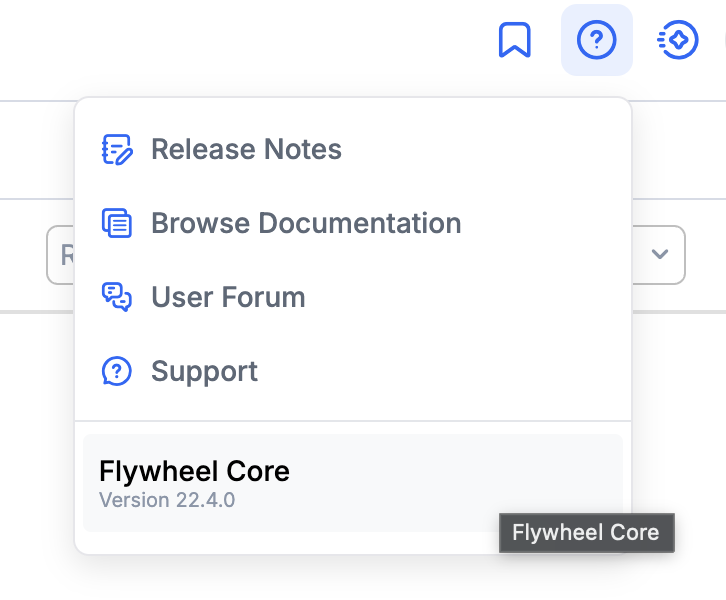
- In the top right corner, select the help menu. The product name and software version appear at the bottom of the menu. For example, this site is running Flywheel Core version 22.4.0.