Downloading a File from the Web UI
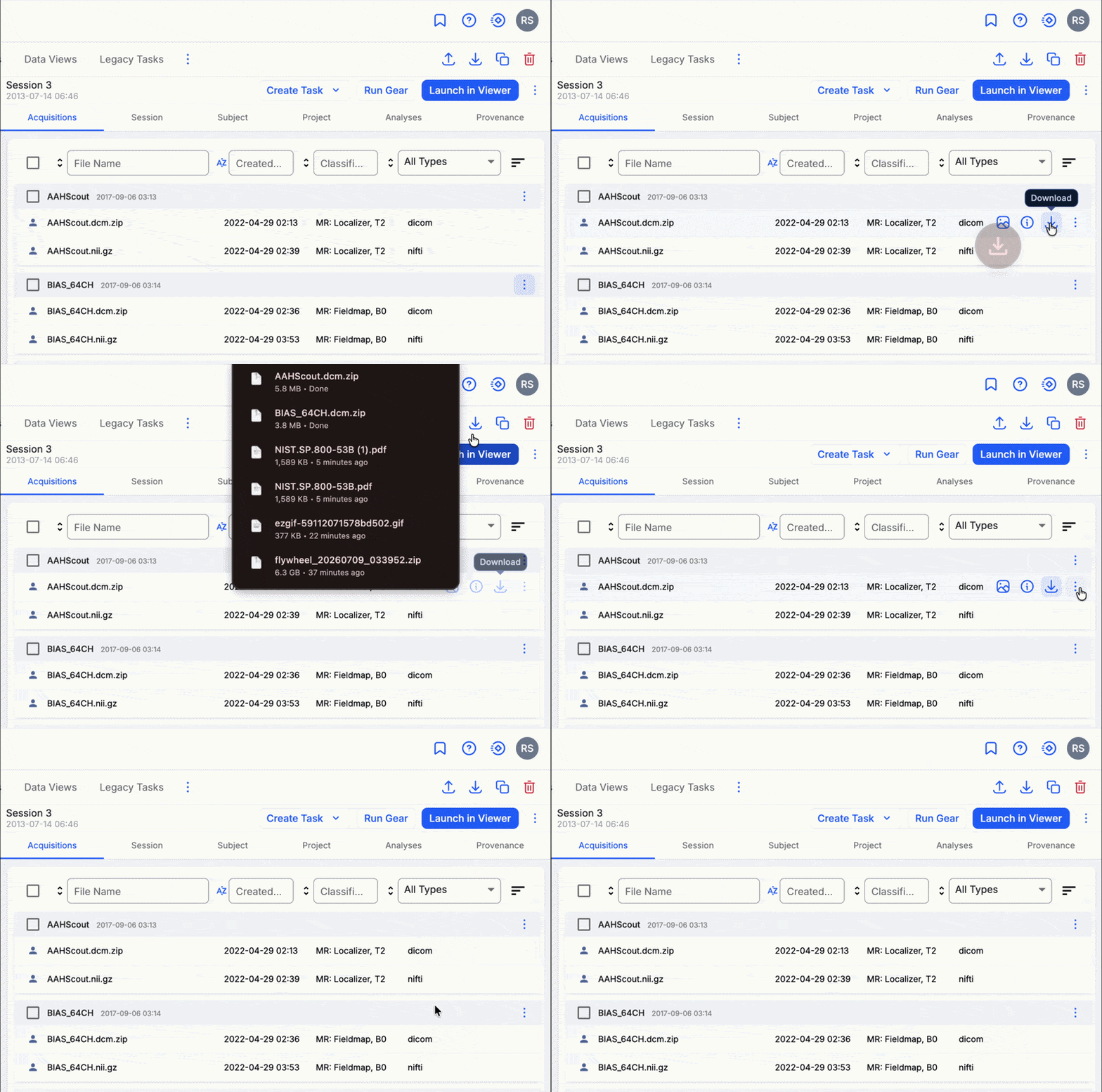
You can download any individual file to your computer, whether it is an acquisition file or an attachment on a session or project. Every file has an options menu, marked by the icon, wherever it appears in the platform.
To download a file:
- Locate the file and open its options menu ().
- Select Download.
Your browser downloads the file.
Related
- Downloading Data — overview of all download and export options
- Downloading Sessions or Acquisitions from the Web UI
- Downloading an Entire Project from the Web UI