Validated Instance - Delete Reason
Introduction
This document is a guide on how to use the Delete Reason feature.
Note
This feature is available with Flywheel Validated Instance.
Features
Deleting data can be a highly sensitive operation and the requirement for a system enforced reason for deletion is expected for systems complying with 21 CFR part 11 and related regulations and standards.
On a Flywheel Validated Instance site, all requests to delete a container or file require the requestor to specify a delete reason. The delete reason must be selected from one of a set of standard values, and applies to all client interfaces (Web UI & Python SDK)
The delete reason is captured as part of the Delete record in the Audit Trail.
Deleting individual metadata values or non-project data is not subject to Delete Reason. The Delete Reason is only applicable to deleting Projects, Subjects, Sessions, Acquisitions, Analyses, and Files (including individual prior file versions).
Note
When a user selects to automatically delete a source container if it is empty after a move, the “Container is Empty” delete reason is automatically applied – the user isn’t forced to select a delete reason.
Instruction Steps
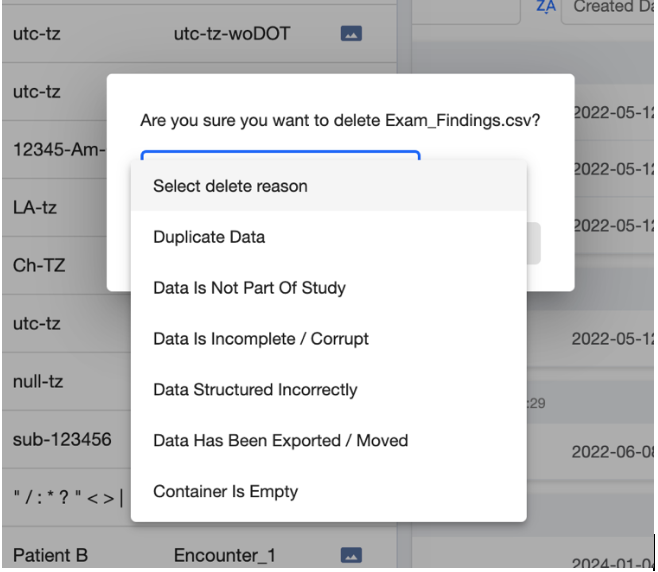
Here are examples of specifying a delete reason from the Flywheel Web UI and Python SDK.
Web UI
Python SDK
The allowed delete reason values are in the SDK documentation for ContainerDeleteReason model.